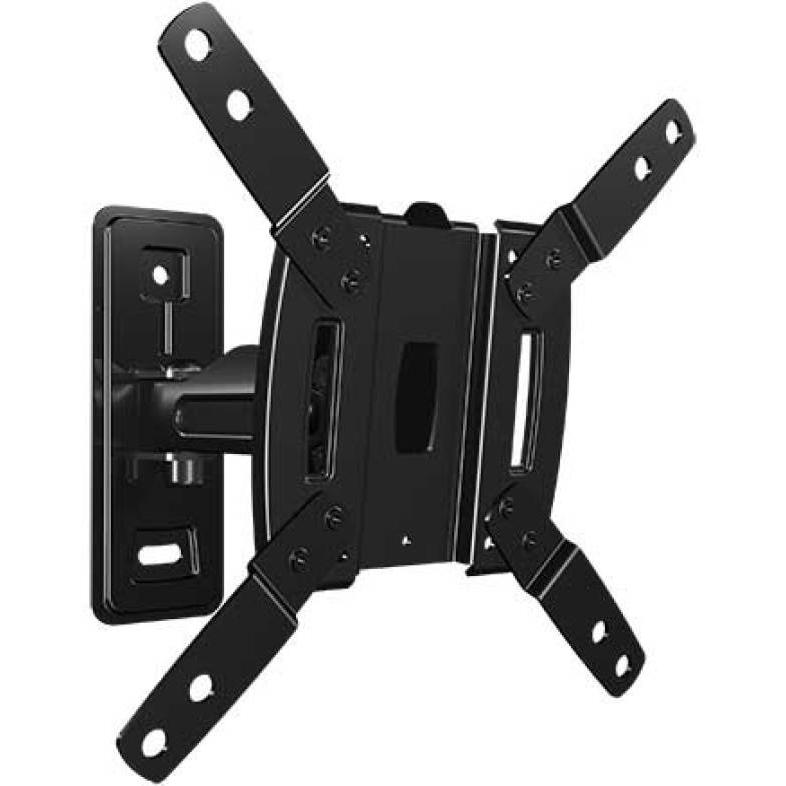
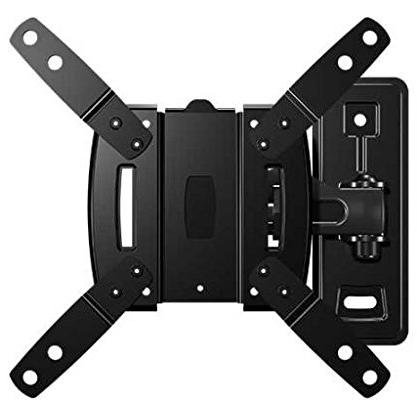
SANUS F107D-B2 TV Wall Mount


Sponsored This site contains affiliate links for which we may receive compensation. More information
Find other available options:

| Identifiers | |
|---|---|
| Model | Sanus F107D-B2 |
| MPN | Sanus F107D-B2 |
| Dimensions / Weight | |
| Key Features | |
|
Colour The colour or combination of colours that a product is available in, expressed as common names such as "Black", "Silver" or comma‑separated lists like "Black, White". It indicates the visual appearance of the item for consumers.
|
Black |
|
Depth (max) The greatest linear distance from the front to the back or top to bottom that a product can occupy, expressed in a physical unit such as millimeters, centimeters, inches, etc. This measurement indicates how deep the item is and helps customers assess fit, compatibility, or spatial planning for storage, installation, or display.
|
19.3 cm |
|
Depth (min) The linear measurement of an object from front to back or top to bottom, expressed in a physical unit such as millimeters, centimeters, inches, etc. It indicates how deep the item is and can be used for fitting, compatibility, or spatial planning.
|
7.47 cm |
|
Manual Indicates whether a user manual—physical or digital—is provided with the product. A value of "Yes" means that a manual is included, while a value of "No" indicates that no manual is supplied.
|
Yes |
|
Maximum screen size compatibility The largest diagonal measurement of a display that the product can accommodate, expressed in units such as inches or centimeters. It indicates the maximum screen size that will fit within the device’s enclosure or mounting area.
|
32.0" |
|
Maximum VESA mount The largest VESA mounting pattern that a product supports, expressed as two horizontal and vertical dimensions in millimetres (for example, "100 × 100 mm"). This value indicates the exact hole spacing required for a compatible wall or desk mount.
|
200x200 |
|
Minimum screen size compatibility The smallest diagonal measurement of a display that a mounting product can securely support, expressed in inches or centimeters. This value helps buyers determine whether a particular monitor, TV, or other flat‑panel device will fit the mount.
|
13.0" |
|
Suitable for Indicates the types of products, users or environments for which the item is intended or compatible. The value can be a single category such as "Gaming" or a specific product type like "Computer case".
|
TV |
|
Swivel angle range The maximum angular range a device can rotate or tilt, expressed as a numeric interval in degrees (e.g., "-45 to 45°"). It indicates how far the product can pivot left/right or up/down from its neutral position.
|
-45 - 45° |
|
Tilt angle range The minimum and maximum angles, expressed in degrees, that a monitor can be tilted or adjusted vertically while maintaining acceptable performance or usability. It indicates the tilt limits for displays such as monitors, stands, or other adjustable equipment.
|
-16 - 16° |
|
VESA mounting interfaces Indicates the dimensions of VESA mounting patterns supported by the product, expressed as pairs of horizontal and vertical measurements in millimetres (e.g., "100×100 mm"). The value may be a single pattern or a comma‑separated list of multiple compatible sizes.
|
75 x 75,100 x 100,200 x 200 mm |
Sanus

