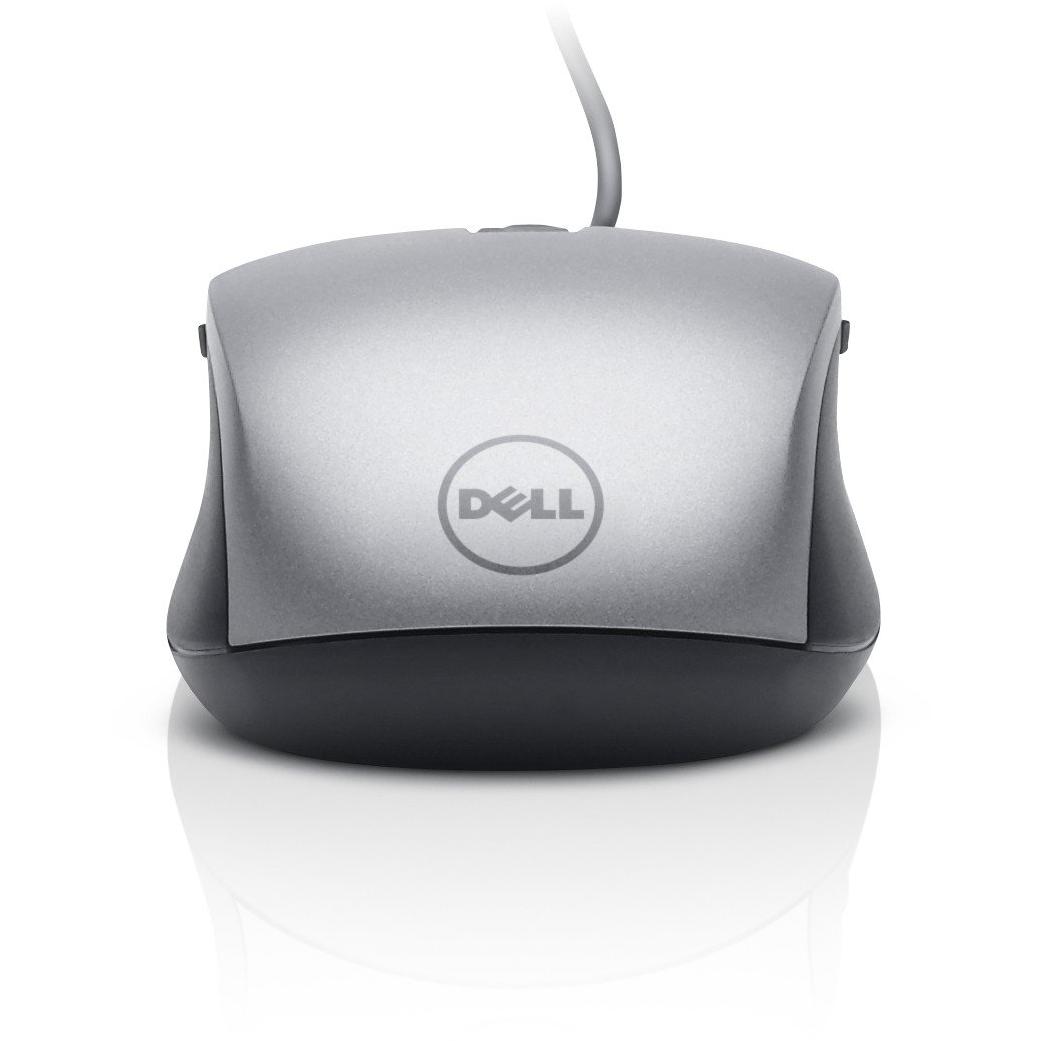
Dell 570 USB Mouse for Latitude 13‑7350



Sponsored This site contains affiliate links for which we may receive compensation. More information
Find other available options:

| Identifiers | |
|---|---|
| Model | Dell 570-11349 |
| MPN | Dell 570-11349 |
| Dimensions / Weight | |
| Key Features | |
| Buttons quantity | 6 |
|
Buttons type The kind of physical or touch-based button mechanism used on a device, such as a mechanical pressed button or a capacitive touch button. It indicates how the user interacts with the control surface and helps buyers understand the tactile feel and durability of the product.
|
Pressed buttons |
|
Connectivity technology The network and data interface technologies supported by the product, such as Wired, Wireless, USB, Bluetooth, or combinations thereof. Each value represents a distinct technology that can be used for communication or power delivery.
|
Wired |
|
Device interface List of physical or logical interfaces that a device can use to connect with other components, such as USB, PCI Express, SATA, Ethernet, Thunderbolt, DisplayPort, and similar technologies. Each value represents an interface standard supported by the device.
|
USB Type-A |
|
Form Factor The physical configuration or shape of a product, such as clamshell, tower, rack‑mount, or compact form. It indicates how the device is built and what mounting or expansion options it supports.
|
Ambidextrous |
|
Movement detection technology The type of technology used to detect movement in a device or system, such as optical sensors, laser tracking, infrared LEDs, or capacitive touch. It indicates how motion is sensed—by visual changes, light scattering, or electronic signals—and helps users understand the underlying mechanism for motion detection.
|
Laser |
|
Movement resolution The number of dots per inch that a device can detect or render when tracking movement. It indicates the spatial resolution of motion sensing or optical tracking, allowing users to understand how finely the device can capture or display motion details.
|
1600 DPI |
|
Plug and play Indicates whether the product can be used immediately after installation without requiring additional configuration or drivers.
|
Sí |
|
Power source The type of electrical supply that powers the device, such as mains electricity, batteries, USB power, or a combination of these options.
|
Cable |
|
Purpose The purpose indicates the primary function or intended use of a product, such as "Notebook", "Gaming", or "Server". It helps customers quickly identify whether the item matches their needs and can be used for filtering or categorization across different product categories.
|
Office |
|
Recommended usage A brief statement of the intended or most suitable use cases for a product, such as the type of environment (indoor, outdoor), activity (gaming, office work, music listening) or general application category. It helps customers quickly determine whether the item fits their needs.
|
PC |
|
Scroll Indicates whether the device can perform vertical or horizontal scrolling actions, such as with a scroll wheel, touchpad gesture, or other mechanism. A value of Yes means the product includes built‑in scrolling functionality; No indicates no scrolling capability is present.
|
Yes |
|
Scroll type The type of input mechanism that allows a user to scroll or navigate within an application, such as a wheel, touch surface, buttons, ring, or trackball. It indicates how the device translates physical movement into scrolling actions on the screen.
|
Wheel |

Dell is a computer technology company that was founded by Michael Dell in 1984. The company is headquartered in Texas and is one of the largest technology companies in the world. Dell manufactures and sells personal computers, servers, data storage devices, network switches, software, and computer peripherals.


