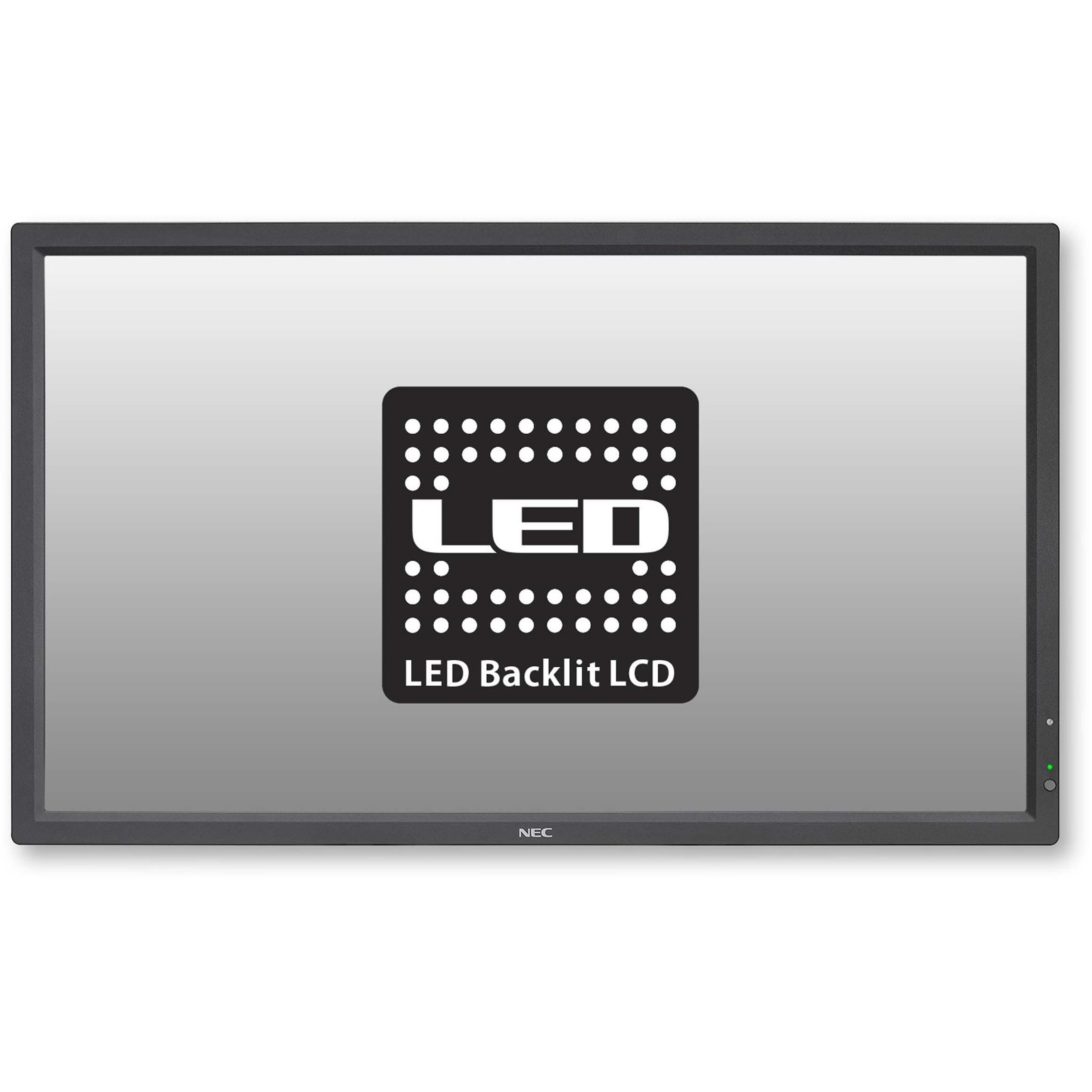
NEC V323-2 32 Inch Full HD LED Display




Sponsored This site contains affiliate links for which we may receive compensation. More information

NEC V323-2 32 Inch Public Display. 1920X1080 450Cd/M2 1300:1 Stv2 Slot For Ops Modules. 2X 10 Watt Speakers.
720.99 GBP
Price updated on: 06-10-2025 06:09:55
720.99 GBP
Price updated on: 06-10-2025 06:09:55 Find other available options:

| Identifiers | |
|---|---|
| Model | NEC 60003849 |
| MPN | NEC 60003849 |
| Dimensions / Weight | |
| Key Features | |
|
Aspect ratio The proportion between the width and height of a display, image or video, expressed as two numbers separated by a colon (e.g., 16:9). It indicates whether content is designed for widescreen, square, or other aspect ratios.
|
16:9 |
|
Audio line in ports Indicates how many audio input connectors are available on the product, such as 3.5 mm jacks, mini‑jacks or optical inputs. The value is a simple integer representing the total count of these ports, regardless of their specific type or version.
|
1 x 3.5mm Mini-Jack |
|
Backlight The illumination source used behind a display panel, such as LED, WLED, CCFL or LCD. It determines the brightness, energy efficiency and color accuracy of the screen.
|
Edge LED |
|
Brightness The amount of light emitted by a display or projector, expressed in lumens (cd/m² for luminance). It indicates how bright the screen will appear under typical viewing conditions.
|
Lumens |
|
Case colour The colour or combination of colours that a product’s outer shell or enclosure is available in, expressed as common names such as "Black", "Silver" or comma‑separated lists like "Black, White". It indicates the visual appearance of the case for consumers.
|
Black |
|
Contrast ratio The contrast ratio is the proportion between the brightest and darkest luminance a display can produce, expressed as a simple ratio such as 1000:1. It indicates how well a screen can differentiate light from dark areas, affecting image clarity and color depth.
|
1,300:1 |
|
Depth The linear measurement of an object from front to back or top to bottom, expressed in a physical unit such as millimeters, centimeters, inches, etc. It indicates how deep the item is and can be used for fitting, compatibility, or spatial planning.
|
6.0 cm |
|
Digital in Indicates how many DVI connectors are available on the product. The value is a whole number, such as 0, 1, or 2, representing the count of DVI ports regardless of pin configuration or HDCP support.
|
1 x DVI-D (with HDCP) |
|
Electrical Power Consumption The amount of electrical power that a device consumes during operation, expressed in watts (W). It represents the typical energy draw of the product while it is active and can be used to estimate operating costs or compare efficiency across similar devices.
|
37 W |
|
Electrical Power Consumption Standby The electrical power drawn by a device while it is in standby mode, expressed in watts (W). It represents the minimal energy usage when the product is powered on but not actively performing tasks, and can be used to estimate idle consumption or compare efficiency across similar products.
|
0.5 W |
|
Form factor Specifies the physical configuration or design of a product, such as ATX, Micro‑ATX, Mini‑ITX, tower, case with cover, etc. It describes how the device is built and what mounting or expansion options it supports.
|
Large Format Display |
|
HD Support Indicates whether the product supports High Definition (HD) video signals or features, such as HDCP compliance or HD input/output ports. The value is typically "Yes" or "No", showing if the device can handle HD content.
|
Yes |
| HDMI ports | 1 x HDMI 1.3 (with HDCP) |
|
Height The vertical dimension of a product measured from its lowest to highest point. It is expressed in a physical unit such as millimetres, centimetres or inches and applies to any item where height is relevant, including books, electronics, furniture and other objects.
|
44.40 cm |
|
Horizontal Frequency high The rate, expressed in hertz (Hz), at which a display or monitor processes horizontal scan lines or refreshes the image horizontally. It indicates how many horizontal cycles occur per second and helps users understand performance characteristics related to display refresh, signal processing, or scanning operations.
|
91.1 KHz |
|
Horizontal Frequency low The lowest horizontal scan or refresh frequency that a display or monitor can operate at, expressed in kilohertz (kHz). It indicates the minimum rate at which horizontal lines are refreshed or processed, affecting image stability and motion handling.
|
31.5 KHz |
|
Maximum resolution The highest pixel dimensions that a device can output or support, expressed as width by height (e.g., 1920x1080). It indicates the maximum resolution available for display content on the product.
|
1920 x 1080 Pixels |
| Operating humidity | 20 to 80 % |
|
Plug and play Indicates whether the product can be used immediately after installation without requiring additional configuration or drivers.
|
VESA DDC2Bi |
|
Power management features A list of the power‑saving and energy‑management capabilities that a device offers, such as automatic standby, sleep modes, eco‑sensors, or support for standards like VESA DPMS and Energy Star certification. Each entry describes one feature and can be combined to give an overview of how the product manages power during operation and idle states.
|
VESA DPMS |
|
Remote Control Indicates whether a product can be operated from a distance using an external device such as a handheld remote, smartphone app or other wireless controller. The value typically describes the type of remote control available (e.g., infrared, Bluetooth, Wi‑Fi) or simply states "Yes" or "No" when only presence is recorded.
|
Included |
|
Resolution type maximum The highest pixel dimensions that a device can output or support, expressed as width by height (e.g., 1920x1080). It indicates the maximum resolution available for visual content on the product and is commonly used for monitors, TVs, smartphones, cameras, and digital images.
|
Full HD |
|
Response time The time interval between a stimulus and the corresponding response of a device or system, expressed in units such as milliseconds (ms). It indicates how quickly the product reacts to input or processes data, which is critical for performance-sensitive applications like displays, gaming monitors, and interactive devices.
|
8 ms |
|
RJ-45 ports Represents the total count of RJ‑45 Ethernet interfaces present on a product. Each port can accept a standard Ethernet cable for wired network connectivity.
|
1 x RJ-45 |
|
Screen size The diagonal measurement of a display screen expressed in units such as inches or centimeters. It indicates the overall visual area available for content and is commonly used to compare monitors, televisions, laptops, tablets, and other electronic devices.
|
32 in |
|
Screen Size Range The diagonal measurement of a display screen expressed in units such as inches or centimeters, presented as a range (e.g., "22 - 23 in") to indicate the typical size span for that product. It helps customers compare visual area across monitors, TVs, laptops and other devices.
|
Over 30 in |
|
Screen technology The display panel type used in a visual device, such as IPS, TN, VA, OLED, or other technologies that define how pixels are produced and how the screen responds to light and touch. It indicates the underlying technology that affects contrast, color accuracy, viewing angles, response time, and power consumption.
|
S-IPS |
|
Screen width The horizontal measurement of a display screen expressed in a linear unit such as millimetres or inches. It indicates how wide the visual area is from one edge to the other and is used for sizing, fitting, and compatibility purposes.
|
69.84 cm |
|
Speakers Indicates the type of audio system integrated into a speaker or audio device, such as stereo, mono, or an integrated sound system.
|
2 x 8W |
|
Vertical frequency The number of times per second that a display or projector refreshes its image vertically, expressed in hertz (Hz). It indicates how many vertical scan lines are updated each second and determines the smoothness and stability of motion on the screen.
|
85 Hz |
|
Vertical Frequency low The lowest vertical scan frequency, expressed in hertz (Hz), that a display or projector can support. It indicates the minimum refresh rate at which the screen updates vertically and helps users assess suitability for low‑power or energy‑saving modes.
|
50 Hz |
|
VESA Mountable Indicates whether a product can be mounted using the VESA standard, which defines the spacing of mounting holes on the back of displays or monitors. The value can be "Yes" or "No", and may also include specific dimensions such as "100 × 100 mm" to specify the exact pattern supported.
|
Yes |
|
VGA In The total count and type of VGA input ports available on the device, expressed as a quantity followed by the connector name (e.g., "1 x 15-pin D-sub"). This attribute indicates how many VGA connections the product supports.
|
1 x 15-pin D-sub |
|
Wall mount Indicates whether a product can be securely mounted to a wall or other vertical surface using standard mounting hardware, and if so, specifies the exact VESA pattern (e.g., "100 × 100 mm") that is supported. The value may be "Yes", "No", or a measurement string describing the required hole spacing.
|
VESA Compliant - 200mm x 200mm |
|
Wall mountable Indicates whether the product can be securely mounted to a wall or other vertical surface using standard mounting hardware.
|
Yes |
|
Warranty The length of time for which the manufacturer guarantees that the product will be free from defects in materials and workmanship, typically expressed in years or months.
|
3 Years Warranty including Backlight |
|
Weight The mass of the product expressed in a standard unit such as grams or kilograms. It represents how heavy the item is and can be used for shipping calculations, handling instructions, or consumer information.
|
9.0 kg |
|
Width The horizontal measurement of a product, expressed in a linear unit such as millimetres or inches. It indicates how wide the item is from one side to the other and is used for sizing, fitting, and compatibility purposes.
|
75.0 cm |

NEC is a Japanese electronics company that produces a wide range of electronics products, including computers, televisions, and mobile phones. The company has a strong reputation for quality and innovation, and its products are popular among consumers and businesses.
