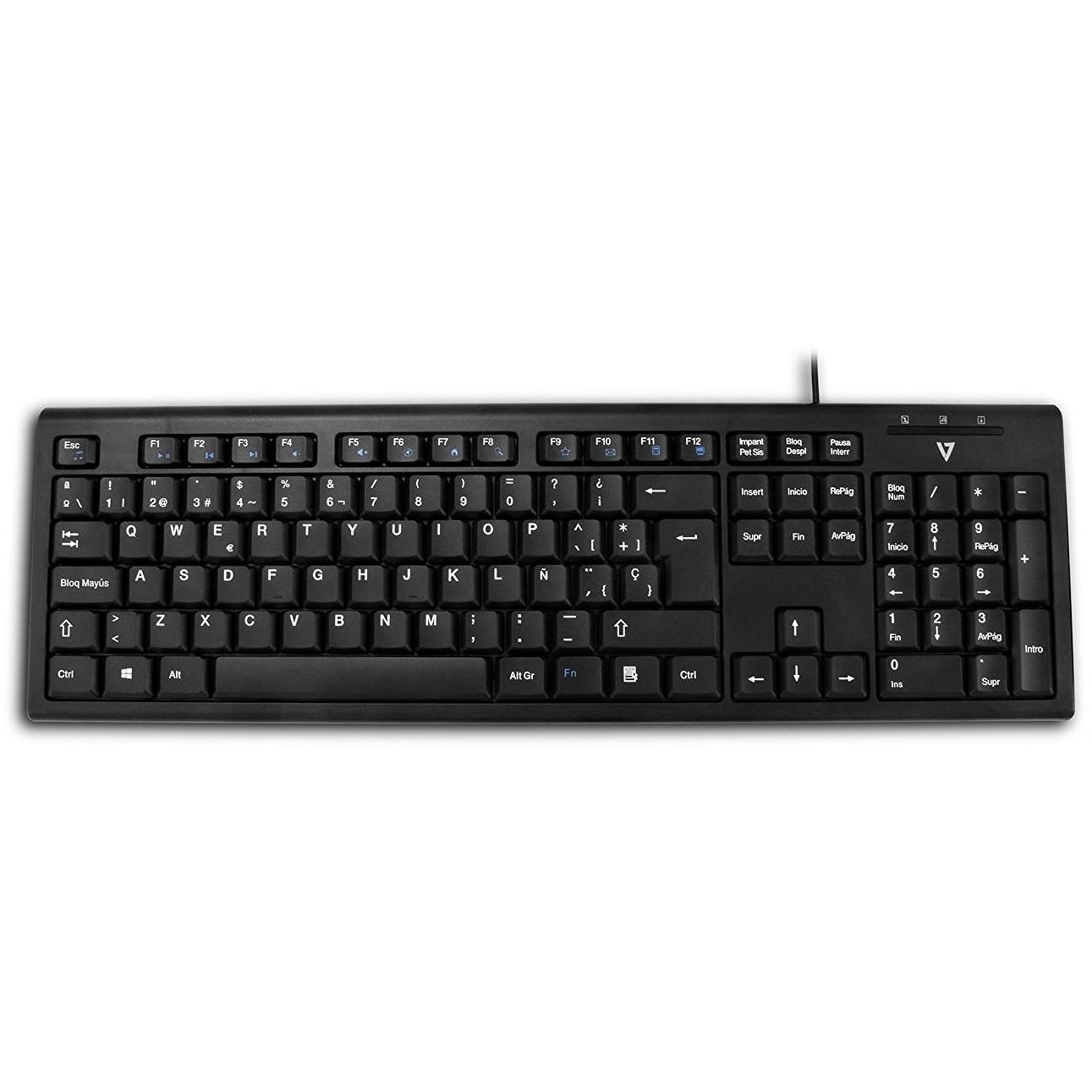
VideoSeven 7‑Series CKU100 PC/Mac Keypad




Sponsored This site contains affiliate links for which we may receive compensation. More information
Find other available options:

| Identifiers | |
|---|---|
| Model | V7 Videoseven CKU100SP |
| MPN | V7 Videoseven CKU100SP |
| Dimensions / Weight | |
| Key Features | |
| Backlight | No |
|
Buttons quantity The total count of physical or programmable buttons available on a device such as a mouse, keyboard, or controller. This value indicates how many distinct input actions the user can perform directly from the hardware.
|
3 |
|
Cable length The linear distance that a cable covers, expressed with a length unit such as meters, centimeters or inches. It represents the total usable length of the cable for connecting devices.
|
1.8 m |
|
Connectivity technology The network and data interface technologies supported by the product, such as Wired, Wireless, USB, Bluetooth, or combinations thereof. Each value represents a distinct technology that can be used for communication or power delivery.
|
Wired |
|
Device interface List of physical or logical interfaces that a device can use to connect with other components, such as USB, PCI Express, SATA, Ethernet, Thunderbolt, DisplayPort, and similar technologies. Each value represents an interface standard supported by the device.
|
USB |
|
Fingerprint reader Indicates whether the device includes a built‑in fingerprint reader for biometric authentication. A value of "Yes" means the device has a functional fingerprint reader; "No" indicates it does not.
|
No |
|
Form Factor Specifies the physical configuration or design of a product, such as ATX, Micro‑ATX, Mini‑ITX, tower, case with cover, etc. It describes how the device is built and what mounting or expansion options it supports.
|
Ambidextrous |
|
Keyboard form factor Represents the physical layout or size classification of a keyboard, such as full‑size, mini, tenkeyless (TKL), or other common form factors used in computer input devices.
|
Standard |
|
Keyboard key switch The mechanical or non‑mechanical mechanism that activates each key on a keyboard, such as mechanical, membrane, scissor, opto‑mechanical, or semi‑mechanical. It indicates how the key registers input and affects typing feel, durability, and noise level.
|
Mechanical |
|
Keyboard language The natural language that the keyboard layout is designed for, indicating which regional or linguistic variant of key labels and input methods are available on the device.
|
Spanish |
|
Keyboard layout The arrangement of keys on a keyboard, indicating the language or region it supports (e.g., QWERTY, UK QWERTZ, AZERTY). This attribute helps users identify which typing layout is available for the device.
|
QWERTY |
|
Keyboard style A concise description of the physical shape or layout style of a keyboard, such as "Straight", "Curved" or "Numeric". It indicates whether the keys are arranged in a flat, angled, or numeric‑only configuration and helps users identify the typing experience and ergonomics of the device.
|
Straight |
|
Mouse included Indicates whether a mouse is supplied as part of the product’s standard package or bundle. A value of "Yes" means a mouse is included and ready for use; a value of "No" means no mouse is provided and must be purchased separately.
|
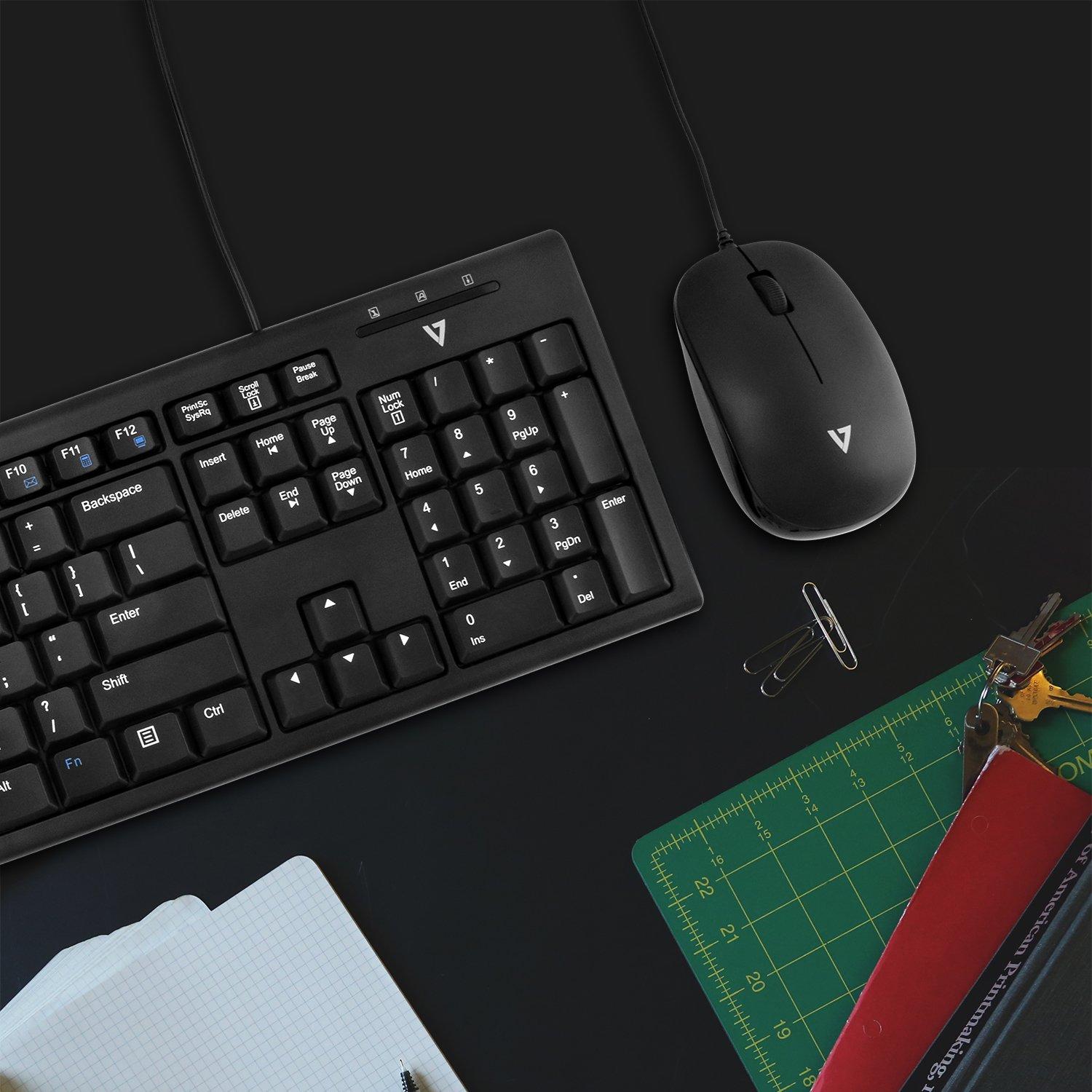
Yes |
|
Movement detection technology The type of technology used to detect movement in a device or system, such as optical sensors, laser tracking, infrared LEDs, or capacitive touch. It indicates how motion is sensed—by visual changes, light scattering, or electronic signals—and helps users understand the underlying mechanism for motion detection.
|
Optical |
|
Movement resolution The number of dots per inch that a device can detect or render when tracking movement. It indicates the spatial resolution of motion sensing or optical tracking, allowing users to understand how finely the device can capture or display motion details.
|
800 DPI |
|
Number of scroll wheels The total number of scroll wheel mechanisms present on a pointing device such as a mouse or trackball. The value is an integer indicating how many separate scroll wheels the product includes, which can affect scrolling performance and ergonomics.
|
1 |
|
Numeric keypad Indicates whether the product includes a numeric keypad area on its keyboard, typically found in full-size or laptop keyboards with an integrated numeric section.
|
Yes |
|
Pointing device The type of pointing device integrated into or used with the product, such as a touchpad, clickpad, trackpoint, or mouse. The value is a free‑text label that identifies the specific form factor or mechanism the user interacts with to move the cursor or select items.
|
No |
|
Protection features A comma‑separated list of protective characteristics that a product offers, such as resistance to dust, water, shock, heat, or other environmental factors.
|
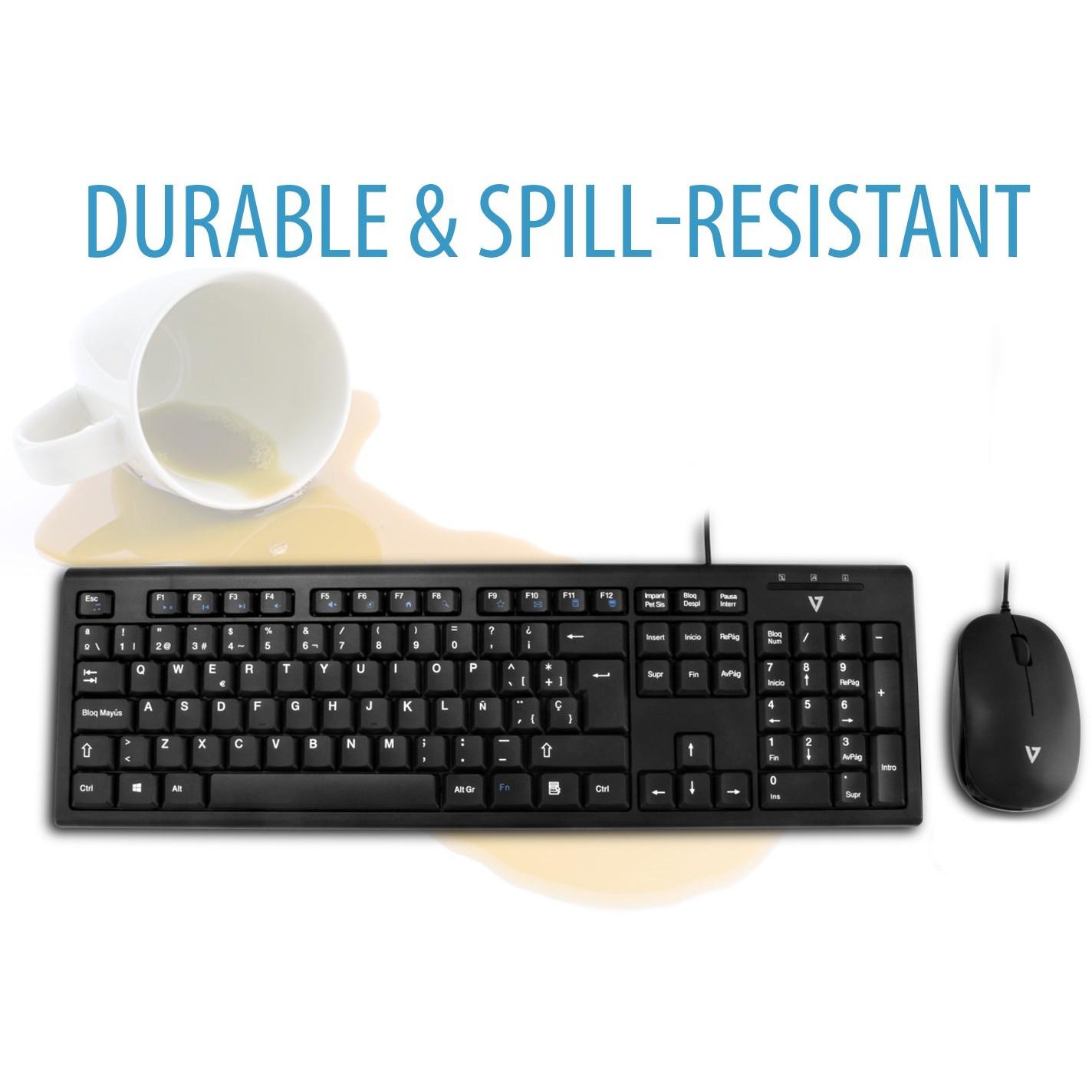
Spill resistant |
|
Purpose The purpose indicates the primary function or intended use of a product, such as "Notebook", "Gaming", or "Server". It helps customers quickly identify whether the item matches their needs and can be used for filtering or categorization across different product categories.
|
PC/server |
|
Recommended usage A brief statement of the intended or most suitable use cases for a product, such as the type of environment (indoor, outdoor), activity (gaming, office work, music listening) or general application category. It helps customers quickly determine whether the item fits their needs.
|
Office |
|
RoHS compliance Indicates whether the product is manufactured in accordance with the RoHS (Restriction of Hazardous Substances) directive, which limits the use of certain hazardous materials in electrical and electronic equipment.
|
Yes |
|
Scroll Indicates whether the device can perform vertical or horizontal scrolling actions, such as with a scroll wheel, touchpad gesture, or other mechanism. A value of Yes means the product includes built‑in scrolling functionality; No indicates no scrolling capability is present.
|
Yes |
|
Scroll type The type of input mechanism that allows a user to scroll or navigate within an application, such as a wheel, touch surface, buttons, ring, or trackball. It indicates how the device translates physical movement into scrolling actions on the screen.
|
Wheel |
|
Scrolling directions The direction(s) in which a device can scroll or navigate within an application, such as vertical, horizontal, or both.
|
Vertical |
|
USB Hub Indicates whether the product includes an integrated USB hub. The value is "Yes" or "No", allowing users to quickly determine if additional USB ports are available.
|
No |
|
Weight The mass of the product expressed in a standard unit such as grams or kilograms. It represents how heavy the item is and can be used for shipping calculations, handling instructions, or consumer information.
|
560 g |
|
Wrist rest Indicates whether the product includes a wrist rest or support feature that provides ergonomic cushioning for the user's wrists during use.
|
No |
V7 Videoseven